Shopify virtual try-on
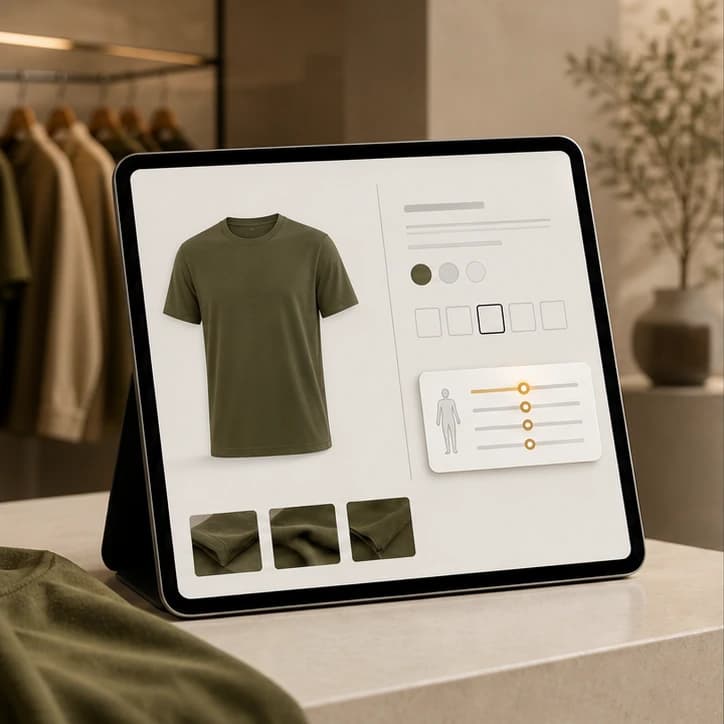
Virtual try-on and size advice for your Shopify store.
One snippet. Size + try-on.
One snippet
No theme rebuild.
Right size
Measurements meet your chart.
Fewer returns
Fit before checkout.
Frequently asked
- How do I add WooChim to Shopify?
- Embed the WooChim widget script with your publishable key and a JSON size table on the product template. It renders an inline size checker that calls the fit API — no app install required.
- Does it work on any theme?
- Yes. The widget mounts in its own container and styles itself, so it doesn't depend on your theme. You can also call the API directly from a custom section.
- Will it reduce returns?
- Wrong-size is the dominant return reason in apparel. Giving shoppers a fit estimate and try-on before checkout helps them order the right size the first time, which lowers returns.
- Is shopper data kept private?
- Measurements are used to compute the fit and aren't sold. The fit endpoint is a stateless transform; the try-on render is generated on demand.
See it. Size it.
No card.